

Logging In to COOL Media (For Publishers)
You have to create an account in COOL Media to use any of its products.
To create an account, and log in, perform the following steps:
- Click or copy-paste the following URL in you browser: https://publisher.insticator.com/auth/signin.
- On the Login page, provide your email address, a suitable password, and click Log in.
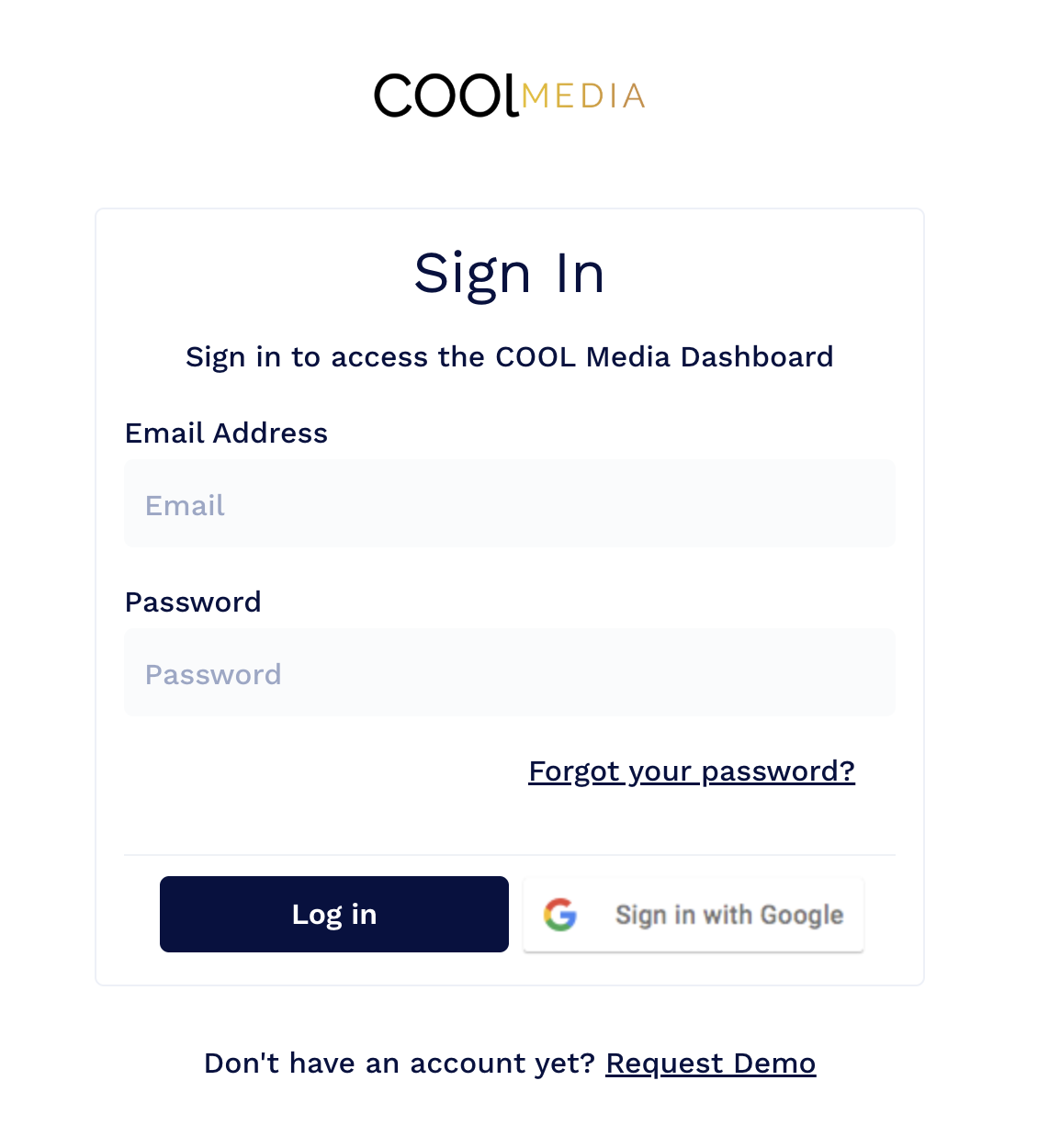
Information:If you do not have the credentials, request your Account Manager or Administrator to get an account.
-
After a successful login, you will be directed to the COOL Media dashboard.
-
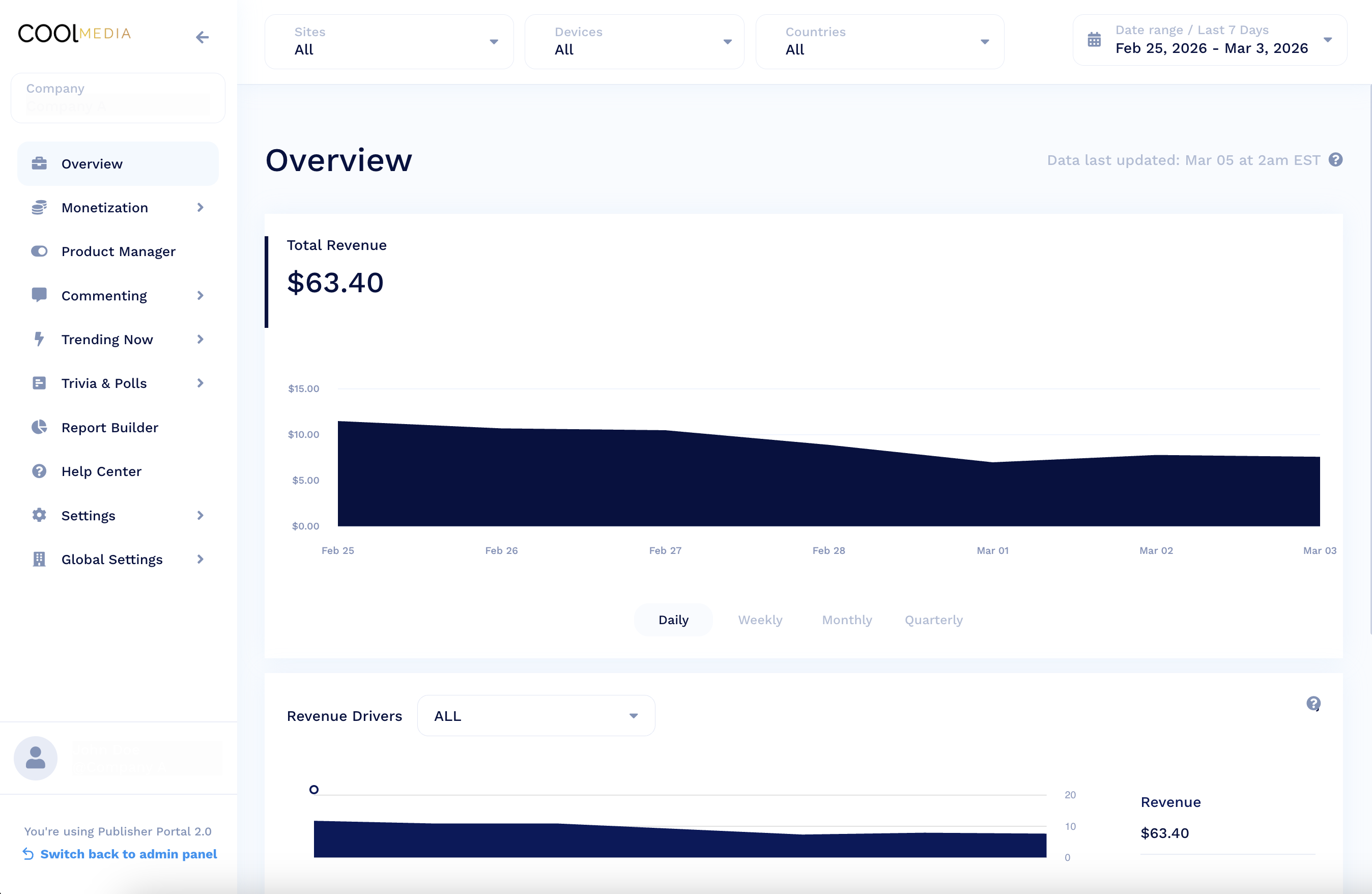
You can view Commenting, Trending Now, and Trivia & Polls Configuration and Analytics.
Updated 8 months ago
Did this page help you?